
By Renie Ravin, co-founder of InkySites. Updated 13 November 2026. Every Google step and screen here was read or captured on Google's own pages on 13 November 2026. Already on Google Workspace and locked out? Read Lost access to your website instead.
Before you start: find your DNS panel
In your DNS panelEvery record in this guide goes in one place: wherever your web address's DNS is managed. Find it first, so you are not hunting for it halfway through.
You bought the address and nobody changed anything
Your records live where you bought it, such as GoDaddy, Hostinger or Namecheap.
Not sure who that is? Enter your address at lookup.icann.org or run our free site check.
Another company runs your DNS
Often an old web host or Cloudflare. Your records go there, not where you bought the address.
Google warns that a lookup then shows the wrong company.
A former designer opened the account
You need that login before anything else.
Who owns my website shows how to get it back.
MX and TXT records are always DNS only, so there is no proxy switch to worry about. If Cloudflare Email Routing is on, turn it off first: it cannot run beside Google's MX record.
Sign up with the web address you own
On Google's sign-up page- Open Google Workspace sign-up. Enter your business name, how many people work there, and your region.
- Enter your name and your current email address. You will be the account's administrator.
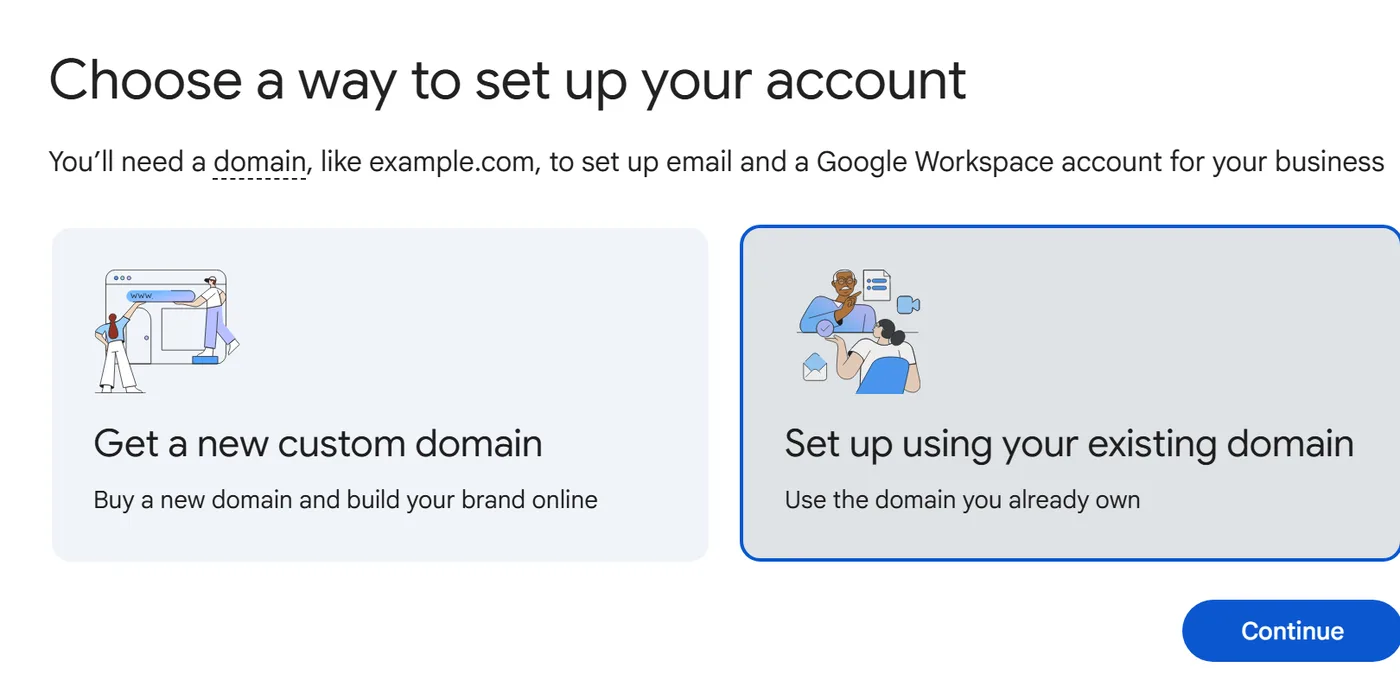
- Choose Set up using your existing domain.
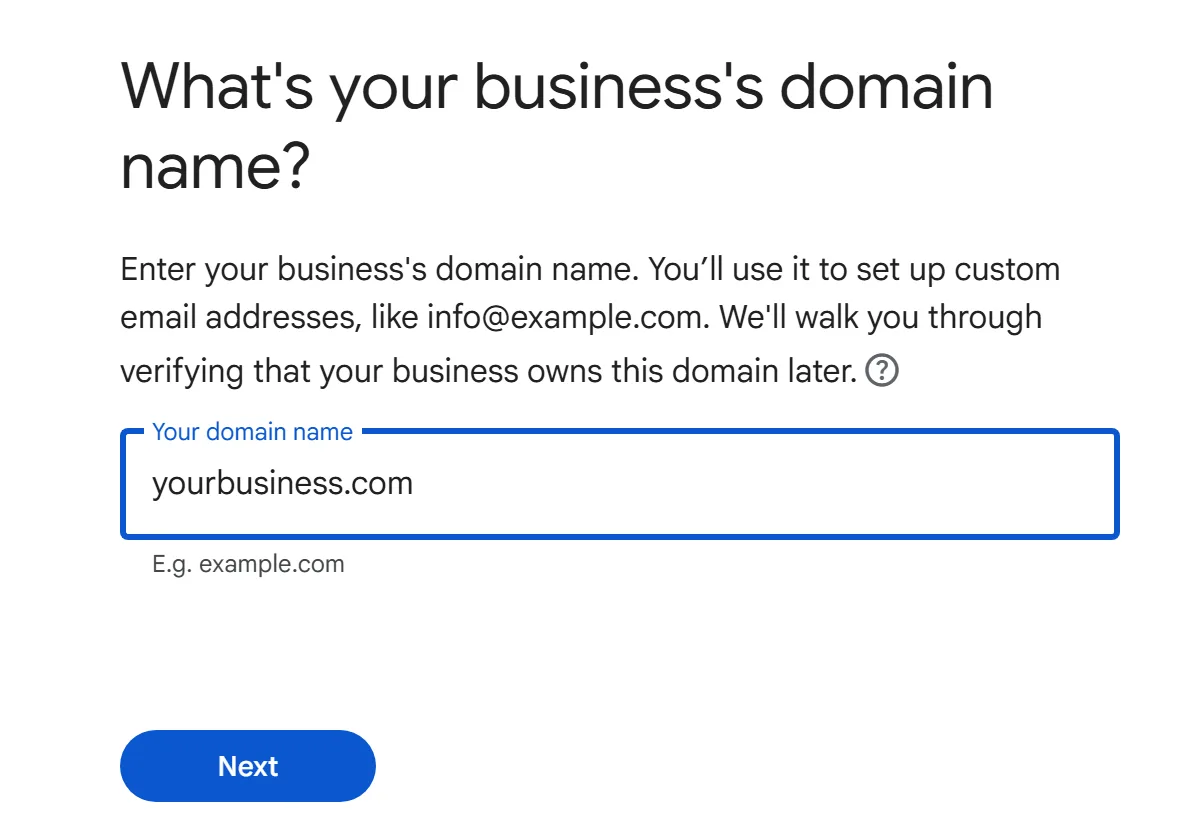
- Type your web address. Google proves it is yours in the next step.
- Set up payment. Google charges nothing until the trial ends, then your plan starts on its own. Two ways to pay: the Flexible Plan bills monthly and you can cancel any time. The Annual/Fixed-Term Plan commits you for a year or more.
If you do not prove the address is yours within the first 9 days of the trial, Google deletes the account within 21 days of sign-up, unless you have set up billing. Do step 2 the same day.
info@ and sales@ can be aliases or group addresses. Google says they do not count as paid users.
Prove the web address is yours
In Google AdminIn your DNS panel- In Google Admin, go to Menu›Account›Domains›Manage domains and click Verify domain.
- Pick your DNS provider from Google's list, or My domain uses a different host.
- Copy the code that starts
google-site-verification=. - In your DNS panel, add this record:
- Type
TXT- Name / Host
@Or leave it blank, if your panel allows- Value
google-site-verification=your-codePaste the code Google gave you
Google says your web address is verified. It is usually quick, but a new TXT record can take up to 72 hours to be seen. Leave the record in place until then, or verification fails.
Check you typed it in your provider's own format, wait 72 hours, then ask your DNS provider's support. Google's free Dig tool shows which records the internet can see.
Google's own pages for this step: verify with a TXT record, verification and its deadline.
Switch your mail to Google, without losing any
In Google AdminIn your DNS panelUntil your change takes effect, which can take up to 72 hours, your mail keeps arriving at your old inbox.
- In Google Admin, create a user for everyone who already has an address on your web address, so nobody's mail bounces.
- Pick a quiet time, such as an evening or a weekend.
- In Google Admin, on Manage domains, click Activate Gmail.
- In your DNS panel, delete every existing MX record. Google says old ones can stop your mail working.
- Add this one record:
- Type
MX- Name / Host
@Or leave it blank, if your panel allows- Priority
1- Value
smtp.google.comSome panels want a full stop at the end (smtp.google.com.), some want 1 smtp.google.com on one line, and Squarespace and Wix have a preset
Accounts set up before 2023 may have older MX records that start with aspmx. Google says if your mail arrives, no change is needed.
Bring your old mail across
In Google Admin, go to Data›Data import & export. Google's data import tool copies mail into your new accounts over IMAP, or from Microsoft Exchange Online, another Workspace account or a single Gmail account. Google says this costs nothing extra.
Google's own pages for this step: set up MX records, avoid issues when changing MX.
Keep your mail out of spam
In Google AdminIn your DNS panelGoogle requires everyone who sends to Gmail addresses to have SPF or DKIM, and senders of more than 5,000 messages a day to have all three. It recommends all three for every web address, and says mail without them might be marked as spam or rejected.
SPF
Lists who may send mail as your address.
DKIM
A key Google makes for you, added to your DNS.
DMARC
Tells receivers what to do with mail that fails, and sends you reports.
4a. SPF
- Type
TXT- Name / Host
@- Value
v=spf1 include:_spf.google.com ~allIf only Google sends your mail
Two SPF records make spam more likely. If a contact form, newsletter tool or shop platform also sends as your address, put its entry in the same record:
v=spf1 include:_spf.google.com include:[the other service] ~all
The other service's own help page gives its exact entry. SPF can take up to 48 hours to start working.
4b. DKIM
- Wait 24 to 72 hours after you clicked Activate Gmail. Google will not make the key before then.
- In Google Admin, go to Apps›Google Workspace›Gmail›Authenticate email.
- Choose your web address and click Generate New Record. Pick 2048-bit if your DNS provider supports it, otherwise 1024-bit.
- Add the record Google shows you:
- Type
TXT- Name / Host
google._domainkey- Value
v=DKIM1; k=rsa; p=your-keyPaste the whole value from Google
- Back in Google Admin, click Start authentication.
The page says “Authenticating email with DKIM”. It can take up to 48 hours.
4c. DMARC
Add this once SPF and DKIM have worked for at least 48 hours. Start with the policy none: mail is delivered as normal and you get reports.
- Type
TXT- Name / Host
_dmarc- Value
v=DMARC1; p=none; rua=mailto:[email protected]Put in the address that should get the reports. Use a separate mailbox or group, because there can be many
After a week or more with no problems, Google's rollout moves to quarantine for a small share of your mail, then all of it. Reject means failing mail is never delivered.
Check it worked
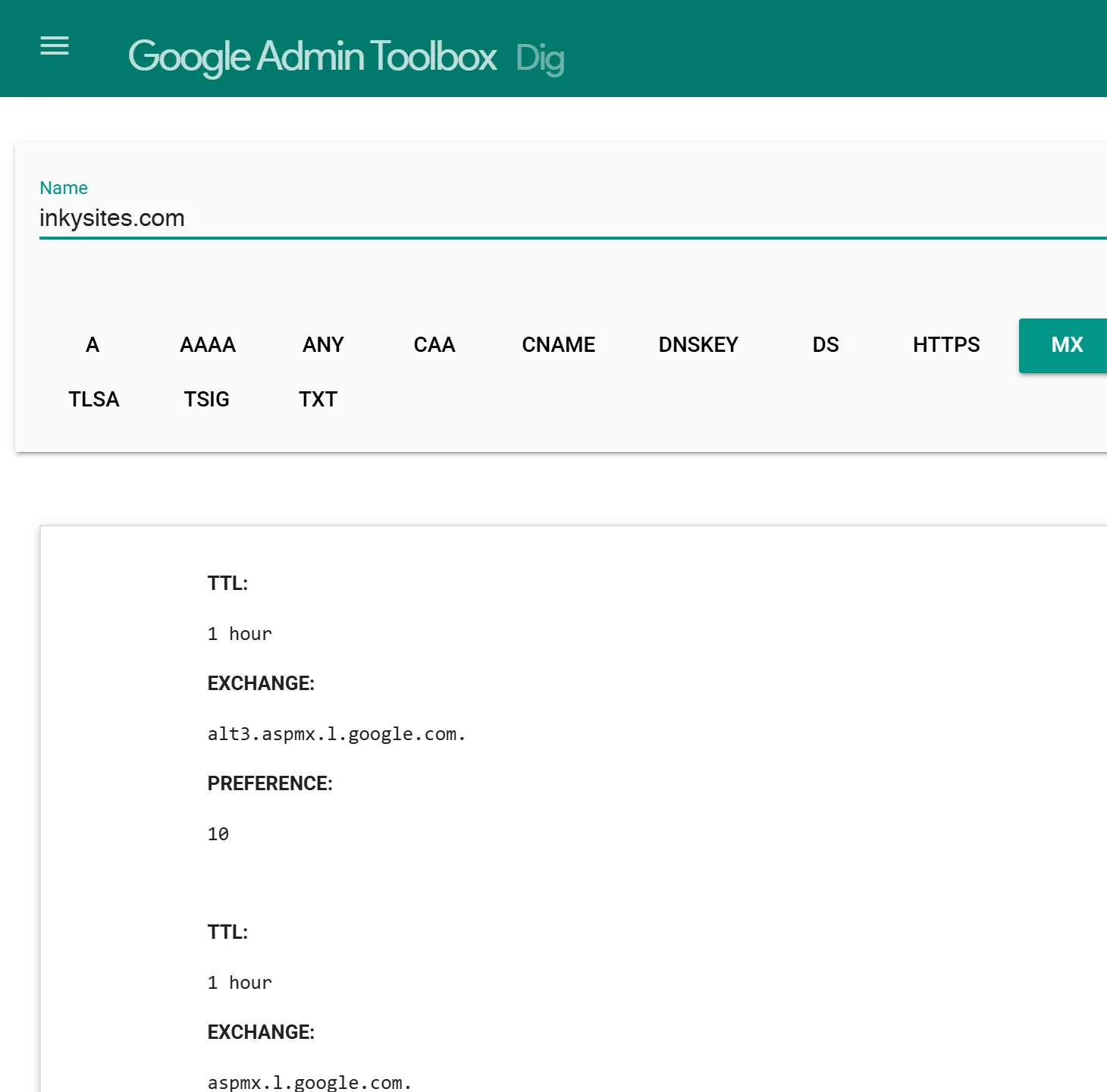
Anywhere- Open Google's free Dig tool, type your web address and click MX. You should see
smtp.google.com. - Click TXT to see your SPF record and your verification code.
- Run Google's Check MX for a check of common mistakes.
- For DKIM, send a message to someone on Gmail or Google Workspace. Google says a test to yourself does not show it. Their copy's headers should say
DKIM=pass.
Every record on one screen
In your DNS panel| Record | Type | Name / Host | Value |
|---|---|---|---|
| Verification | TXT | @ | google-site-verification=… |
| MX, priority 1 | @ | smtp.google.com | |
| SPF | TXT | @ | v=spf1 include:_spf.google.com ~all |
| DKIM | TXT | google._domainkey | v=DKIM1; k=rsa; p=… |
| DMARC | TXT | _dmarc | v=DMARC1; p=none; rua=mailto:… |
Your own codes and key come from Google Admin. Delete any other MX records when you add Google's.
Your website stays where it is
Google says setting up Workspace “will not affect your current website” and needs no change at your web host. Your mail uses TXT and MX records; your website runs on other records, so you leave those alone.
An MX record that names your own web address, such as MX 0 yourbusiness.com, sends your mail to your website's server. Change web host and your mail moves too. Pointing MX at Google, as in step 3, ends that link, so your site and your mail can each move on their own.
What we found on 31 small-business web addresses
On 13 November 2026 we read the public mail records of the 31 small-business web addresses whose websites InkySites has redesigned. We name no one.
Of the 11 on Google, 9 publish SPF, 7 publish DMARC and 4 publish a DKIM key under Google's default name. A key under a custom name is hidden from outside, so that count may be low. Only one uses smtp.google.com; the rest use the older aspmx records, which Google still supports. If your mail is already on Google, step 4 is still worth an evening.
When to keep the email you have
If your business email works today on Microsoft 365, Zoho or your host's mailbox, you do not have to move it to get a new website. Your email and your website are separate. You keep what works and fix only what is missing.
Where InkySites fits in
InkySites runs small-business websites: hosting and unlimited reasonable changes for $29 a month. Your email stays on your own Google account.
What we do
- ✓Check your MX record before your site goes live with us. If it names your web address itself, going live waits until your email has an address of its own, and we show you the record to change.
- ✓Ask you to change your website's records only, in two small steps.
- ✓Send contact-form enquiries from our own address, so your SPF needs no entry for us.
What we don't
- ×Write your MX record, ever.
- ×Host email or sell mailboxes.
- ×Set up Google Workspace, add your records or give email support.
Your web address and your site's code stay yours.
Questions people ask.
Will my website go down when I switch my email to Google?
Google says no. Its FAQ says setting up Google Workspace will not affect your current website and needs no change at your web host. Your email uses MX and TXT records, and your website uses different ones. You change the mail records where your DNS is managed and leave your website's records alone. Your site keeps running where it is the whole time.
How much does Google Workspace cost?
Google publishes its prices at workspace.google.com/pricing, and they vary by country and currency, so check the page for yours. New customers get a 14-day free trial for up to 10 users, with nothing charged until it ends. The Flexible Plan bills monthly and you can cancel any time. The Annual/Fixed-Term Plan commits you for a year or more. Aliases like info@ are free.
Can I use free Gmail with my business address instead?
Not for long. Gmail lets a personal account send as another address today. Google says that from January 2027 Gmail will no longer support "Send as" for third-party addresses, and new setups may already be restricted. Some recipients already see "on behalf of" your Gmail address. Google's own suggestion includes Google Workspace for a custom domain, whose "Send as" is not affected.
Will I lose the emails in my old inbox?
Google says mail keeps going to your old email system until your MX change takes effect, which can take up to 72 hours, so nothing is lost in between. Create users for everyone with an existing address first, so nothing bounces. Your old messages can come too: Google's data import tool copies mail over IMAP, or from Exchange Online, another Workspace account or a Gmail account, at no extra cost.
Does a small business need SPF, DKIM and DMARC?
Google requires anyone sending to Gmail addresses to have SPF or DKIM, and senders of more than 5,000 messages a day to have all three. It recommends all three for every web address, and says mail without them might be marked as spam or rejected. Of 11 small-business web addresses we checked that get mail through Google, only 4 had all three where we could see them.
See who holds your web address
Run the free site check to see who your web address is registered with. No email needed, and nothing on your site changes. Or get a free preview of a fresh site, emailed within 48 hours, no card.